
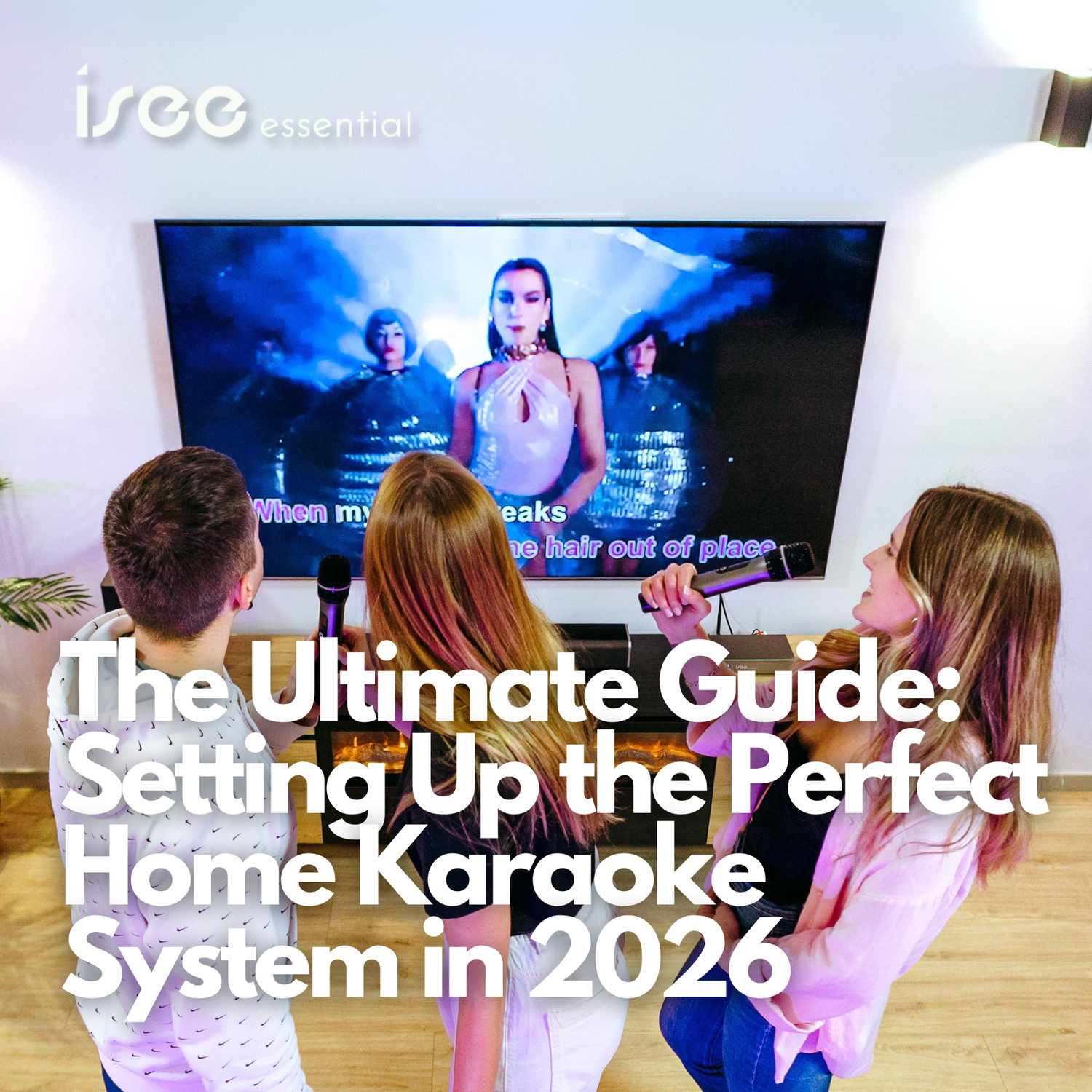
Setting up a home karaoke system in 2026 is no longer just about plugging in a mic and a screen. To achieve that professional KTV feel, you need a curated ecosystem of hardware that works in harmony. Here is your step-by-step blueprint.
Step 1: Choose Your Central Hub (The Karaoke Machine)
The "brain" of your setup is the karaoke machine. Gone are the days of bulky hardware with limited song chips.
-
The 2026 Standard: You need a cloud-based system like ISEE Karaoke.
-
Why ISEE? It acts as a modern jukebox, giving you instant access to millions of tracks in 4K resolution via high-speed cloud streaming. Look for a unit that supports Wi-Fi 6 or 10G Ethernet for zero-latency downloads.
Step 2: Master the Audio Flow (The Karaoke Mixer)
Most people make the mistake of connecting microphones directly to a TV. For professional sound, a karaoke mixer is non-negotiable.
-
Function: A mixer allows you to blend your vocals with the music, add reverb/delay, and prevent the "dry" sound typical of amateur setups.
-
Pro Tip: Choose a mixer that offers AI-driven feedback suppression to prevent that high-pitched squealing from the microphone.
Step 3: High-Fidelity Vocals (The Microphone)
In 2026, the microphone is your primary interface.
-
Wireless is King: UHF wireless microphones are now the industry standard for home karaoke, offering a 50-meter range and crystal-clear digital transmission.
-
ISEE Integration: Our recommended mics feature "Auto-Sync" technology that pairs instantly with the ISEE player for one-touch setup.
Step 4: Room-Filling Sound (The Karaoke Speaker)
Don't rely on your TV speakers. A dedicated karaoke speaker is designed to handle the dynamic peaks of live singing.
-
Placement: For the best home karaoke experience, place your speakers at ear level, angled slightly toward the center of the room.
-
Frequency Response: Ensure your karaoke audio equipment supports a wide range to handle deep bass and crisp highs.
Step 5: Final Connectivity (The Cables and Setup)
Quality cables are the unsung heroes of karaoke audio equipment. Use gold-plated HDMI 2.1 and XLR cables for the mixer-to-speaker connection to minimize interference.
Conclusion: Ready to Sing?
By combining the ISEE Karaoke cloud library with a high-end karaoke mixer and professional karaoke speakers, you have created a private club experience right at home.

留言
此網站已受到 hCaptcha 保護,且適用 hCaptcha 隱私政策以及服務條款。